 Image 1 of 4
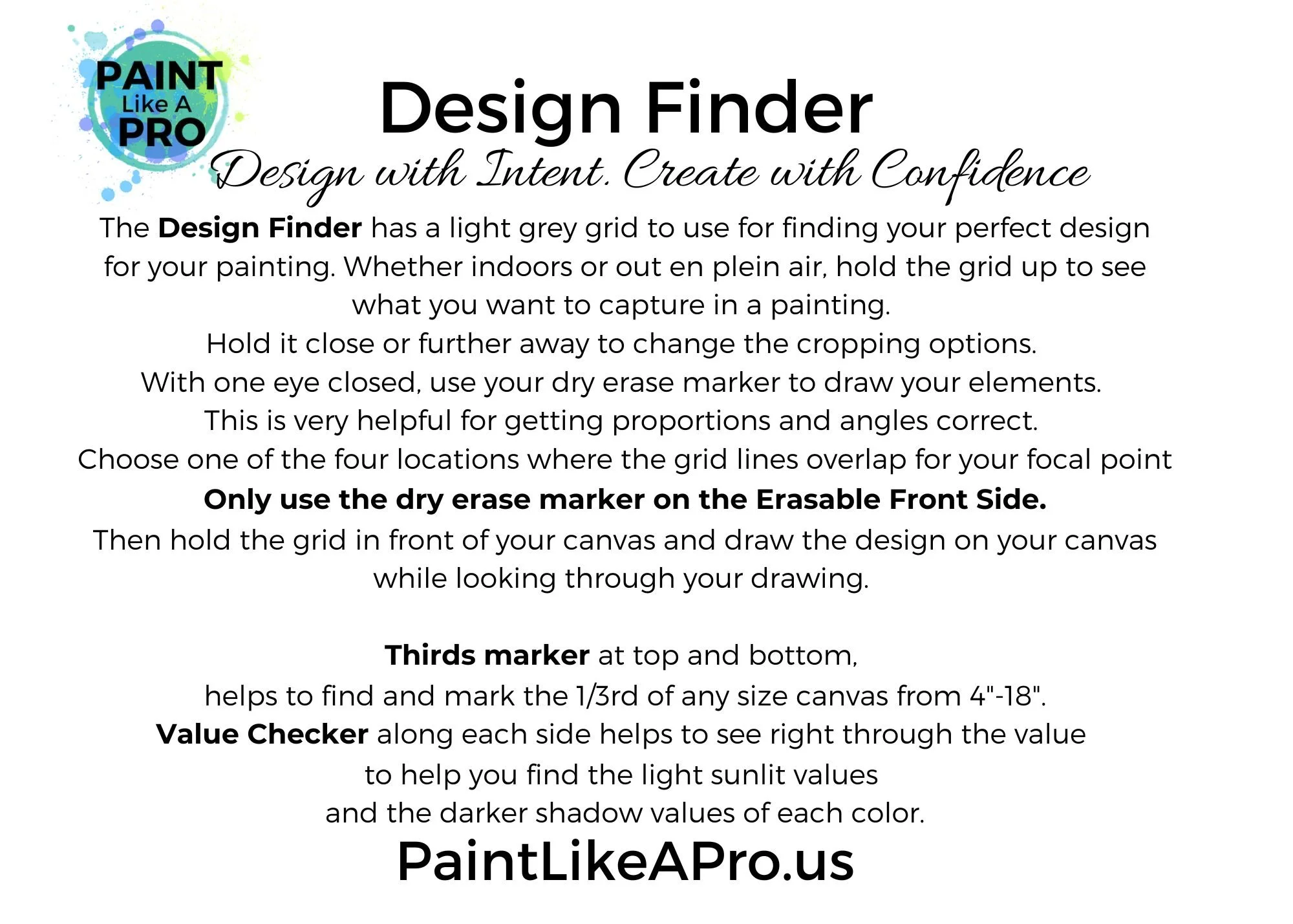 Image 2 of 4
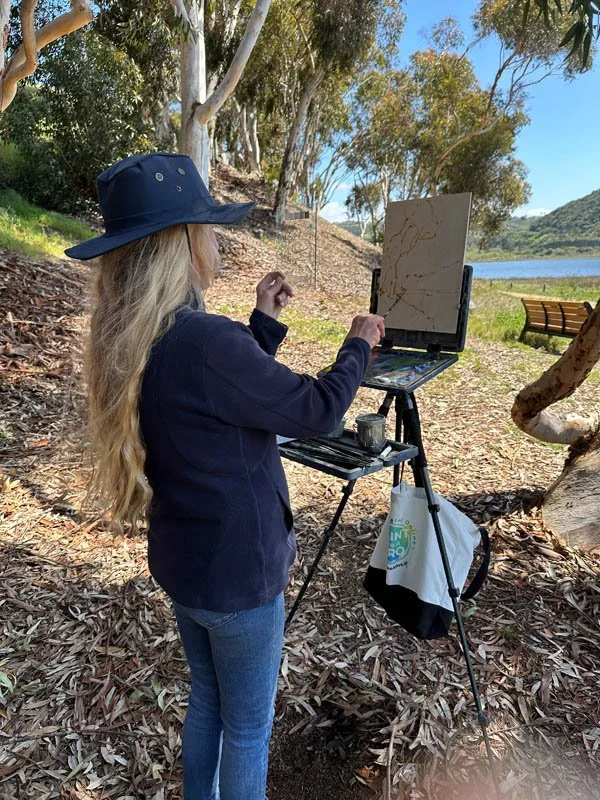 Image 3 of 4
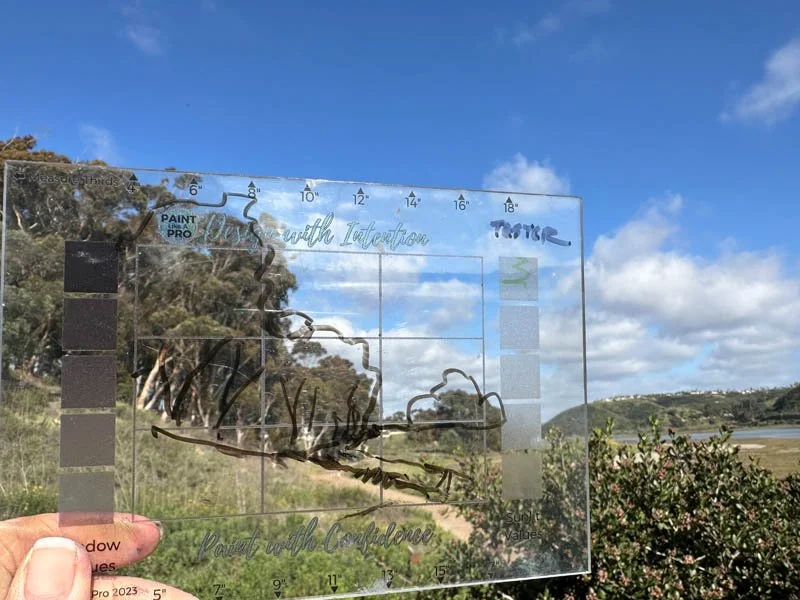 Image 4 of 4
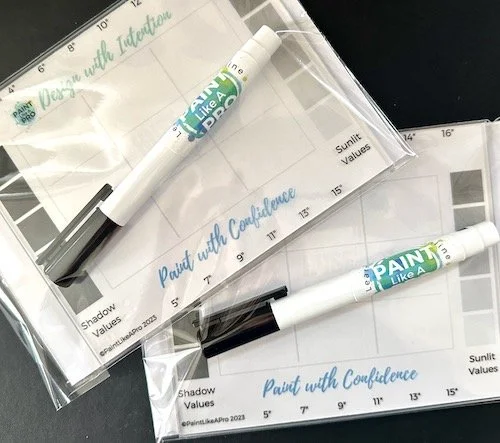
DESIGN FINDER is a must have for your gear!
Why Artists Love It
Removes guesswork from composition
Helps you design and draw with confidence
Makes value decisions faster and clearer
Mark your 1/3 on each side of your canvas for guides
Design first. Paint with confidence. 🎨
How to Use It:
Find Your Design
Hold the Design Finder up and look through it at your scene or reference.
Use a dry-erase marker to sketch in your main shapes and elements directly on the front.
Where the grid line intersect indicate powerful focal point placements (based on the rule of thirds).
Place your main subject where the lines intersect for a stronger, more intentional design.
Transfer the Design to Your Canvas
Hold the Design Finder in front of your canvas.
While looking through your design, draw it with paint or pencil, onto your canvas—keeping proportions and placement accurate.
Check Your Values
The built-in grayscale strips help you compare and match values.
Hold the tool over your subject or reference to quickly see if a color belongs in light, mid-tone, or shadow.
Measure Perfect Thirds—Any Canvas Size
Use the numbered markings along the top of bottom edges to divide any canvas size into thirds.
Simply align the left edge of the tool with the left edge of your canvas, then, based on canvas size- mark the 1/3 and 2/3 points shown on the scale.
For example, if the length of your canvas is 6”, line up the left edge of your Design Finder with left edge of your canvas.
Go to 6” and 12” marks to mark for your 1/3rds on your canvas. Even numbers are at top and odd number lengths are along the bottom of your Design Finder.
Get one for each gear and one for a friend.
(Please note that we do not ship to countries outside of the United States at this time. Thank you.)
DESIGN FINDER is a must have for your gear!
Why Artists Love It
Removes guesswork from composition
Helps you design and draw with confidence
Makes value decisions faster and clearer
Mark your 1/3 on each side of your canvas for guides
Design first. Paint with confidence. 🎨
How to Use It:
Find Your Design
Hold the Design Finder up and look through it at your scene or reference.
Use a dry-erase marker to sketch in your main shapes and elements directly on the front.
Where the grid line intersect indicate powerful focal point placements (based on the rule of thirds).
Place your main subject where the lines intersect for a stronger, more intentional design.
Transfer the Design to Your Canvas
Hold the Design Finder in front of your canvas.
While looking through your design, draw it with paint or pencil, onto your canvas—keeping proportions and placement accurate.
Check Your Values
The built-in grayscale strips help you compare and match values.
Hold the tool over your subject or reference to quickly see if a color belongs in light, mid-tone, or shadow.
Measure Perfect Thirds—Any Canvas Size
Use the numbered markings along the top of bottom edges to divide any canvas size into thirds.
Simply align the left edge of the tool with the left edge of your canvas, then, based on canvas size- mark the 1/3 and 2/3 points shown on the scale.
For example, if the length of your canvas is 6”, line up the left edge of your Design Finder with left edge of your canvas.
Go to 6” and 12” marks to mark for your 1/3rds on your canvas. Even numbers are at top and odd number lengths are along the bottom of your Design Finder.
Get one for each gear and one for a friend.
(Please note that we do not ship to countries outside of the United States at this time. Thank you.)